Synthesia Connects AI Video Creation and Editing to Claude
Synthesia’s November 18, 2026 Claude connector turns chat prompts and connected business data into videos, with Opus 5.5, automated workflows, and script-level editing.
Why it matters
- Synthesia announced the custom Claude connector on November 18, 2026.
- Syren uses Opus 5.5 to plan videos, produce narration and represent scenes as code.
- Anthropic models helped develop the proof of concept and production version in one week.
- Workflow examples include 30-second launch videos and 60-second Zoom recaps.
- Brand kits require Enterprise, and Claude-made Syren videos use the same Synthesia credits.
By Sophie Lindqvist
What changed on November 18, 2026?
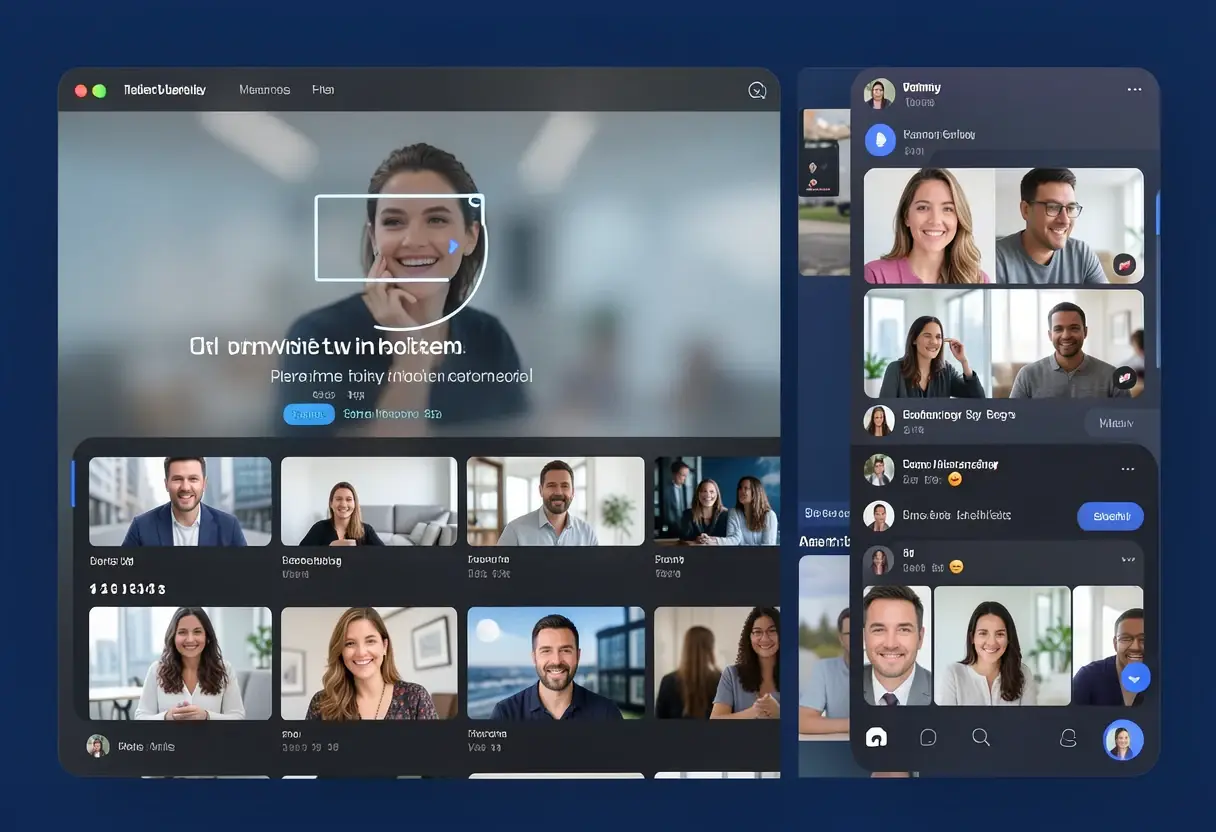
On November 18, 2026, Synthesia announced a custom connector that brings its AI video platform into Claude. In its announcement, Synthesia said the connector “lets Claude users generate and revise videos conversationally without leaving the chat.”
The release also works alongside other Claude connectors. Synthesia says material from connected business tools can supply individual videos or trigger scheduled and event-driven workflows inside Claude.
For enterprises, the stakes are practical. Connected systems could supply routine material for recurring videos, while administrators keep separate controls over access, brand kits and creative edits. Synthesia’s setup does not replace Synthesia Studio. It adds Claude as a place to start and revise work, with Studio still available for exact scripts and scene changes.
How does Claude turn source material into a video?
Users can begin with a short prompt or with source material such as a document, presentation deck or spreadsheet. Synthesia gives two examples of the initial step: one request can summarize a Notion document and turn it into an explainer, while a Slack thread can be condensed before video creation.
Before generation, an in-chat widget handles four choices: workspace, template, brand kit and avatar. The sequence puts those controls at the point of creation.
After the first version, users can ask in plain language for a new opening, a shorter video or a different tone. Versioning then preserves each round of edits, so a user can reverse a change or recover an earlier draft.
The two editing stages serve different purposes. Source selection and the first brief shape what gets made; later prompts adjust that result without discarding its history.
Takeaway: Claude handles the brief and revisions, while key production choices stay in the same chat flow.
What does Syren do with Opus 5.5?
The in-chat Synthesia player uses Syren by default. Synthesia describes Syren as its AI video agent for business and targets it at explainers, how-to videos, launch videos and marketing content.
Its controls cover the avatar or voiceover, the visual treatment, and the video’s length and format. For delivery, Claude can export a video at full quality, and users can also open the finished video in Synthesia.
Synthesia says Syren uses Opus 5.5 to map out each video, produce its narration and represent scenes as code for the company’s rendering engine. In that setup, the model handles the plan, spoken script and scene instructions, while Synthesia’s renderer turns those instructions into the video.
Anthropic models also helped engineers develop the proof of concept and later complete the production version in one week, mostly with Opus 5.5. The proof of concept came first, and the production connector followed, with Opus 5.5 used for most of both stages.
Takeaway: Syren creates the plan and narration, while the output remains available at full quality in both interfaces.
Why do Syren and Studio handle different jobs?
Studio is the alternative when a script must remain exact or a template is required. It assigns an avatar to deliver the text without altering the wording, then opens a draft in Synthesia Studio’s editor so users can adjust individual scenes.
Synthesia frames the split as “prompt-led drafting” versus “scene-level editing control.” The distinction keeps flexible AI drafting away from projects that need fixed language or direct changes to particular scenes.
Takeaway: Syren suits open-ended briefs; Studio protects exact wording and gives people direct control over scenes.
What can happen without a new request?
Synthesia says connected workflows can run in three ways: on demand, on a schedule, or when something new appears in Slack or an inbox. Once configured, the trigger can run the defined production task inside Claude without another prompt.
The company gives five examples:
- Turn each post in a product-releases Slack channel into a 30-second launch video.
- Use a Zoom call transcript to create a 60-second recap that covers next steps.
- Check BambooHR every weekday morning and create a welcome video for each person joining that day.
- Turn new help-center articles into how-to videos.
- Use GitHub release notes and merged pull requests to make changelog videos.
These examples cover launch announcements, call recaps, employee onboarding, help-center guidance and software changes. In each case, the source system supplies the trigger and Claude sits between that event and the requested video format.
Takeaway: Connected business events can start repeatable video work inside Claude.
How does connection and access work?
The Claude integration supports Starter, Pro and Enterprise plans. To connect, a user adds a custom connector in Claude with Synthesia’s server address, leaves the OAuth fields blank, signs in to Synthesia and activates it through the plus menu in a new chat. A free Synthesia account can be created during the connection process.
Team and Enterprise workspaces also require an administrator to add the connector through Organization settings. After that setup, each member connects individually.
Two commercial details matter for usage. Brand kits are an Enterprise-plan feature, and Syren videos made in Claude draw on the same credits as videos made in Synthesia. Under that credit system, chat-based generation uses the same allowance as videos made directly in Synthesia.
Takeaway: Access depends on the plan, and Team or Enterprise members connect after an administrator adds the connector.
What changes for enterprise teams?
For enterprises, the central change is that connected business systems can supply both individual videos and repeatable production workflows inside Claude. Synthesia says administrator setup, plan-based brand controls and Studio editing provide organizational and creative control over automated output.
The arrangement separates two kinds of control. Workspace administrators add the connector, and members must connect individually. Enterprise branding comes through brand kits, while Studio keeps exact wording and scene-level changes available after an automated draft.
The examples span five operational jobs: launch announcements, call recaps, employee onboarding, help-center guidance and software changelogs. For each, the source system supplies the trigger and Claude sits between that event and the requested video format.
Takeaway: The practical test is whether those event-driven videos remain usable under the same credit, branding and editing controls as videos made directly in Synthesia.
Source: unite.ai
More from Sophie Lindqvist
Show full bio
Staff writer covering regulation, policy and their impact on artificial intelligence and machine learning at AI In Context.
749 articles
Related articles
- Anthropic Puts Claude in the Meeting: AI Joins Video Calls as a Working Participant
- Anthropic Puts Sheets, Whiteboards and Live Dashboards Inside Claude
- Apple puts AI in every Creator Studio app and finally unlocks Final Cut clips
- Anthropic launches Claude Whiteboards, Sheets and Data
- Adobe previews four experimental AI tools for creative work