Creality's $329 mBox Brings AI Fault Detection to Children's 3D Printing
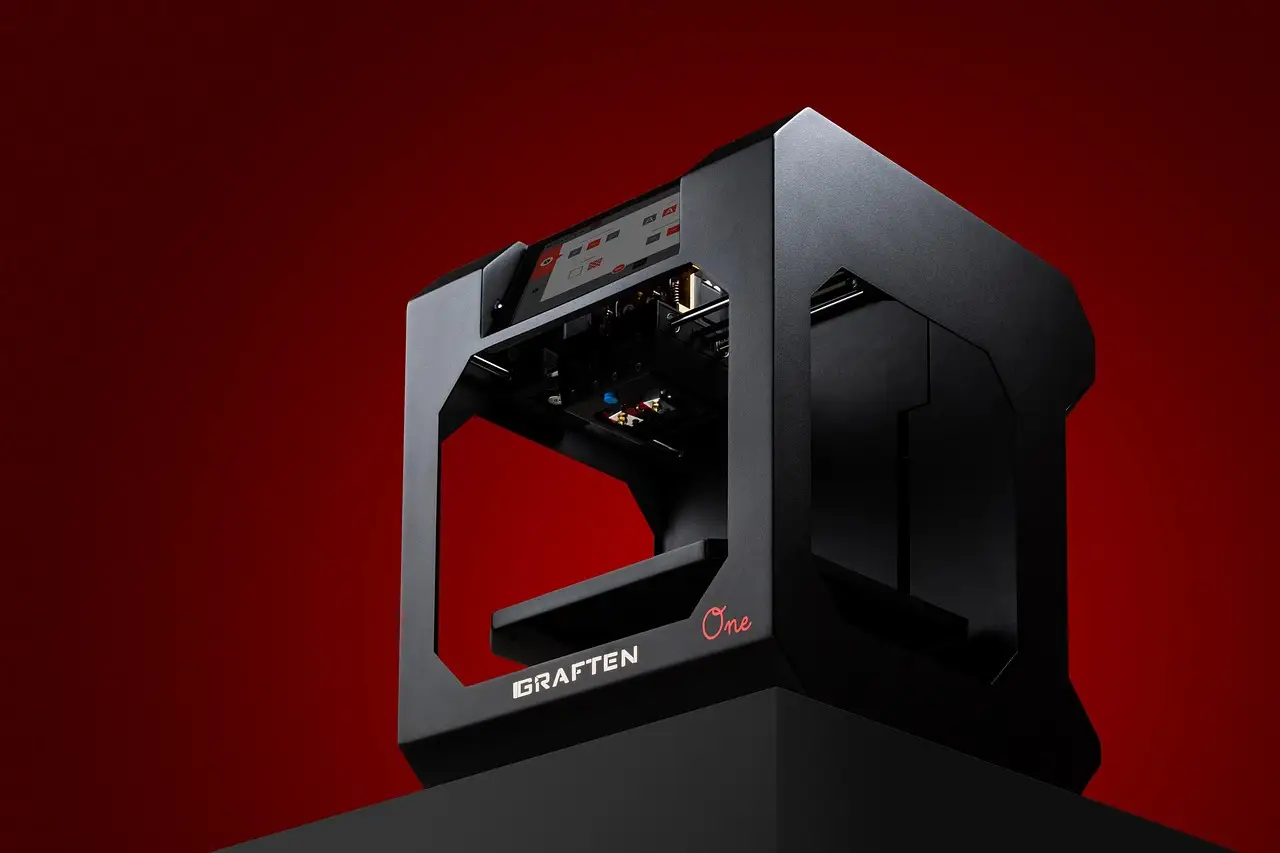
Creality launched the $329 mBox on November 9, 2026: an enclosed children's 3D printer with camera-based AI fault detection and tools that turn photos and drawings into printable objects.
Why it matters
- Creality launched the $329 mBox children's 3D printer on November 9, 2026, sold exclusively via TikTok Shop through December 10, 2026.
- Camera-based AI detection identifies warping, foreign objects and spaghetti failures, then alerts parents through the app.
- CubeMe and SnapForm convert photographs or children's drawings into printable designs without 3D modeling skills.
- The machine prints at up to 300 mm/s, runs at 46 dB or less in low-noise mode, and builds within a 153 × 153 × 153 mm enclosed volume.
- Five safety layers include a fully enclosed chamber, door-open alert with pause, cold-bed printing, carbon filtration and kid-friendly PLA.
Creality launched the mBox on November 9, 2026, a $329 AI-equipped 3D printer built for children aged 6 to 16. The machine pairs a fully enclosed 153 × 153 × 153 mm build volume with camera-based print monitoring and AI design tools that convert photographs or children's drawings into printable objects.
The announced U.S. sales window runs exclusively through TikTok Shop, from November 9 through December 10, 2026. Creality targets two settings: family projects at home and STEAM learning spaces, with listed use cases including science experiments, engineering design and creative arts.
The launch matters because it pushes AI into two stages of a child's fabrication workflow. The system helps create the object's geometry before printing, then watches for failures during the print itself — a combination that addresses the two barriers that have kept consumer 3D printers out of younger hands: the modeling skill required to start, and the hazards and failure modes that demand adult attention throughout.
How does the mBox protect children?
The mBox product page lists five protection layers: a fully enclosed chamber, door-open alert, cold-bed printing, activated carbon filtration and kid-friendly PLA. The enclosure separates children from the hot nozzle and the moving motion components. The unheated build plate removes the heated bed from the equation when a child takes a finished print off the machine.
The door-open response offers three settings: no action, alert only, or alert and pause. The third option stops the print and sends parents a notification through the app. Creality's design lets a household or classroom match the response to the level of supervision an adult wants to maintain — from a six-year-old working alongside a parent to a teenager printing unsupervised.
Basic operation does not require a phone. A 3.97-inch full-color touchscreen lets a child choose a model and start a print directly on the machine. Automatic leveling reduces manual setup, and the motion system combines CoreXY kinematics with vibration compensation.
What does the AI actually watch for?
Creality says camera-based AI detection identifies three failure classes during printing: warping, foreign objects and spaghetti failures. When the system detects a problem, it alerts parents through the app rather than leaving a child to notice a ruined print hours later. RGB lighting on the machine reports print status at a glance.
This monitoring role is the second half of the mBox's AI story. The first half happens before fabrication begins.
Creality says two tools, CubeMe and SnapForm, can convert a family or pet photograph, or a child's drawing, into a printable design without complex 3D modeling. Figurines, keychains and accessories number among the example outputs. The feature moves the AI role upstream of the machine: instead of only catching problems mid-print, the software helps generate the geometry in the first place. A child who cannot use CAD software can still arrive at a printable file.
What software comes with it?
The surrounding software splits by experience level, and the split defines the product's learning progression.
- Creality Park App supplies curated models, STEAM courses and a pick-and-print workflow for younger users.
- Creality Park Studio runs on PCs and provides simpler modeling tools for original designs, creating a progression from choosing ready-made models to designing new ones.
A beginner starts by selecting a curated model or converting a drawing. An older student moves into Park Studio and builds original geometry. Jobs can start from four entry points: USB offline, the touchscreen, the app, or Creality Park Studio. Connectivity includes 2.4 GHz Wi-Fi.
What are the full specifications?
The fused-filament printer measures 290 × 340 × 335 mm and weighs 6.78 kg. The specifications list:
- Typical print speed of 200 mm/s with Hyper PLA filament; maximum of 300 mm/s
- Low-noise mode rated at 46 dB or less
- 0.4 mm nozzle with a maximum temperature of 250°C
- Layer thicknesses from 0.1 to 0.35 mm
- Power-loss recovery
- Automatic filament loading
Two compatibility limits stand out. The mBox does not support CFS or RFID filament, which narrows the multi-color and automatic material-tracking options available on Creality's broader lineup. Slicing software options are Creality Park Studio and Creality Print 7.0 or later.
The included filament is a 250 g spool of rainbow PLA that changes colors as it prints, producing gradient effects without filament swaps. Paints and painting tools for decorating finished models do not ship in the box.
Why does this matter for the children's printer market?
For homes and STEAM classrooms, the mBox proposes a guided form of independent fabrication. A child can begin with a curated model, a photograph or a drawing. AI fault detection, configurable door responses and app alerts then place adult supervision inside the printing workflow itself rather than requiring an adult to stand over the machine.
The $329 price positions the mBox against entry-level enclosed printers while adding the camera monitoring and design-conversion features that general-purpose machines in that range typically omit. The exclusive TikTok Shop window, ending December 10, 2026, signals that Creality sees the buyer as a parent scrolling a consumer app rather than a hobbyist reading spec sheets — a distribution choice as telling as any hardware figure on the sheet itself. Whether the AI detection and photo-to-model pipeline hold up in children's hands will determine whether the mBox becomes a fixture in STEAM rooms or a one-season novelty.
Source: unite.ai
More from Rebecca Stone
Show full bio
Correspondent covering companies, deals and strategy in artificial intelligence and machine learning at AI In Context.
467 articles
Related articles
- OpenAI Publishes Teen Safety Blueprint as a Policy Template for Youth AI Rules
- Blueprints AI turns sketches into permit-ready construction documents in minutes
- OpenAI ships prompt-based teen safety policies for gpt-oss-safeguard
- Industrial Next promises factory retooling in minutes, with BMW as first test
- OpenAI Adds Under-18 Principles to Its Model Spec